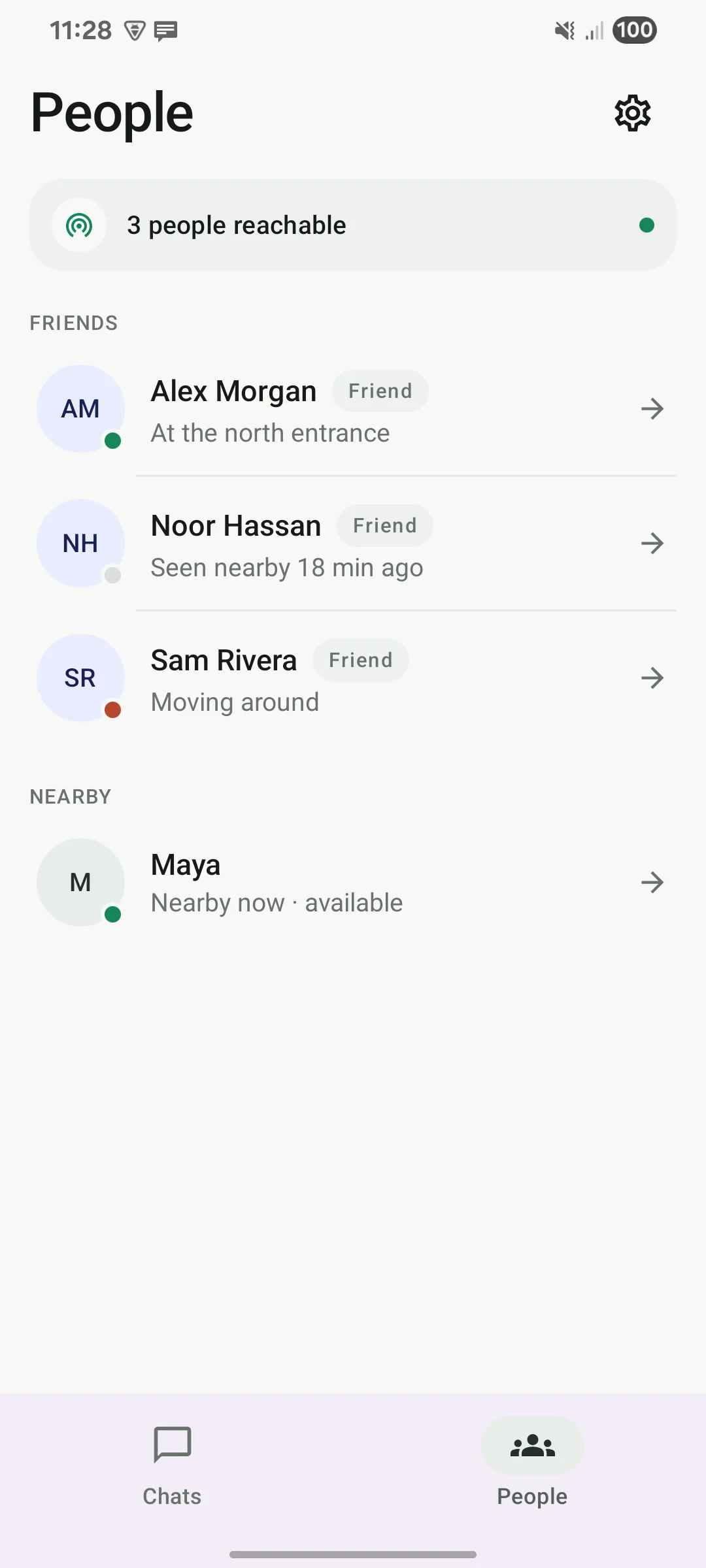
See who is nearby
Nearby Offgrid phones appear automatically, without pairing.
Nearby messaging + calls for Android
Message friends without mobile data or a Wi-Fi network. Offgrid connects nearby Android phones directly, carries waiting messages across the mesh, and can use an optional Internet relay.
How it works
No account, router, hotspot, or mobile data needed.
It finds other Offgrid phones nearby.
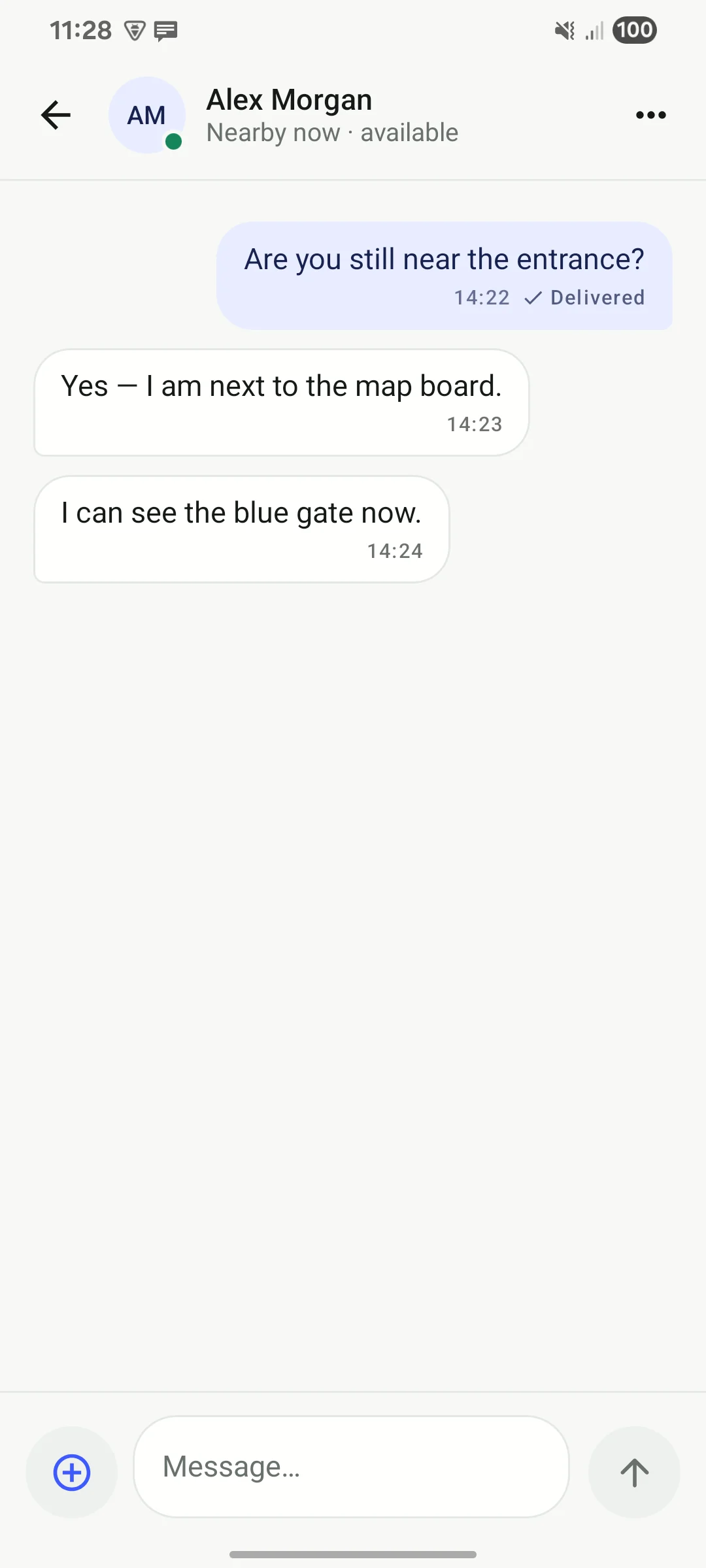
Chat, share a photo, or call.
Nearby Offgrid phones can carry waiting messages forward.
What you can do
Nearby Offgrid phones appear automatically, without pairing.
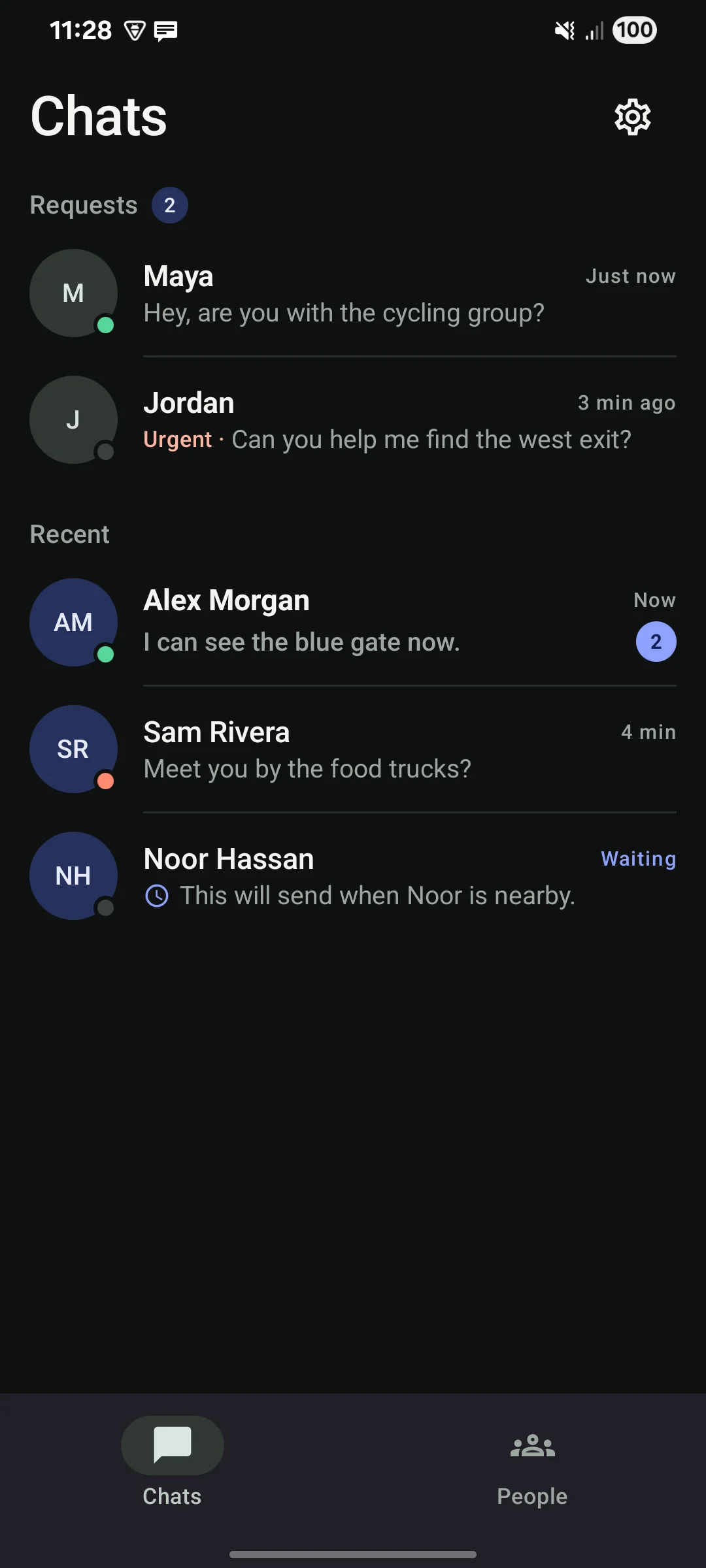
Accept or reject requests and choose stronger alerts per friend.
Clear waiting and delivered states follow every route.
Calls ring distinctly and use direct Nearby or the Internet relay—not the phone mesh.
Nearby phones can carry out-of-range messages and photos automatically.
Urgent alerts look urgent in chat and use a stronger notification.
Allow once, always, or reject; supported phones show distance and direction.
Choose or disable the relay, run readiness checks, and inspect hidden diagnostics.
The app
Installation
Tap the button below to get the app file.
If Android asks, allow your browser to install it.
Grant nearby devices, notifications, call audio, UWB if supported, and location when requested.
FAQ
Each radio hop depends on the phones and surroundings. Walls and crowds reduce a direct hop; other Offgrid phones can extend message and photo delivery through multiple hops or later encounters. Calls need a direct link or the Internet relay.
No. Keep Wi-Fi and Bluetooth switched on, but you do not need a router or hotspot.
Android needs them to find nearby phones, keep the service running, show alerts, and use call audio. Offgrid does not collect your GPS location.
Yes, when both friends have compatible UWB phones. Offgrid asks the other person first unless they always allowed you. It uses live UWB only; there is no GPS or signal-strength fallback.
Nearby discovery uses extra battery while Offgrid is running. Settings includes a readiness check, background-service switch, and optional Quick Settings tile.
It stays in your outbox while direct Nearby, the message mesh, and your optional Internet relay keep trying. It is only marked delivered after your intended recipient replies with an acknowledgement.
Friend calls use direct Nearby audio or encrypted Internet-relay fallback; they never travel through other phones. You can choose a compatible server or turn Internet relaying off. The server does not help discover nearby people.
Each installation gets its own secure identity. Payloads are encrypted and signed so their recipient can verify the sender while mesh and Internet relays carry ciphertext. Offgrid is an early release and has not had an independent security audit.
Current release
Offgrid 0.10.0 for Android 8 and newer.
1862d4adf51e016fb6ec92ba37ec957a9aad95382b8ab135a36f73b5787f7fd0